
Quick Answer
Septic business software is purpose-built field service management software that helps septic companies schedule jobs, dispatch pump trucks, optimize routes, and collect payment — all from a single platform. The right tool can cut dispatching time by 30-50%, eliminate double-booked routes, and replace the paper route sheets your drivers have been stuffing under their seat for a decade.
Key Takeaways
- The top septic business software platforms are ServiceTitan, Jobber, Housecall Pro, Service Fusion, and FieldEdge
- Pricing ranges from $49/month for solo operators to $500+/month for multi-truck fleets
- Every platform worth considering offers QuickBooks integration and a mobile app for field technicians
- Septic-specific features to prioritize: pumping interval reminders, compliance tracking, and GPS fleet tracking
- Winter is the best time to switch software — lower call volume gives your crew time to train without disrupting peak season
What Software Do Septic Companies Use?
Most septic companies use one of five platforms: ServiceTitan, Jobber, Housecall Pro, Service Fusion, or FieldEdge. A smaller share use trade-specific tools like Dispatcher or PumpMaster built exclusively for waste haulers. The right choice depends almost entirely on your fleet size, your budget, and whether you need compliance documentation baked in.
The U.S. septic services industry generates roughly $5.4 billion annually, and an estimated 21 million homes rely on private septic systems, according to EPA data. That's a lot of pump-outs to schedule. Field service management software adoption is accelerating — industry surveys suggest more than 60% of trade service companies with 5+ trucks now use some form of FSM software, up from under 40% five years ago.
Here's how the top platforms stack up.
Top Septic Business Software: Comparison Table
| Platform | Starting Price | Best For | Free Trial | QuickBooks Sync | Mobile App Rating |
|---|---|---|---|---|---|
| ServiceTitan | ~$398/mo | 10+ truck fleets | No | Yes | 4.3 / 5 |
| Jobber | $49/mo | 1-5 trucks | 14 days | Yes | 4.7 / 5 |
| Housecall Pro | $79/mo | 1-10 trucks | 14 days | Yes | 4.6 / 5 |
| Service Fusion | $192/mo | Mid-size companies | No | Yes | 4.2 / 5 |
| FieldEdge | ~$100/user/mo | Growing fleets | No | Yes (real-time) | 4.4 / 5 |
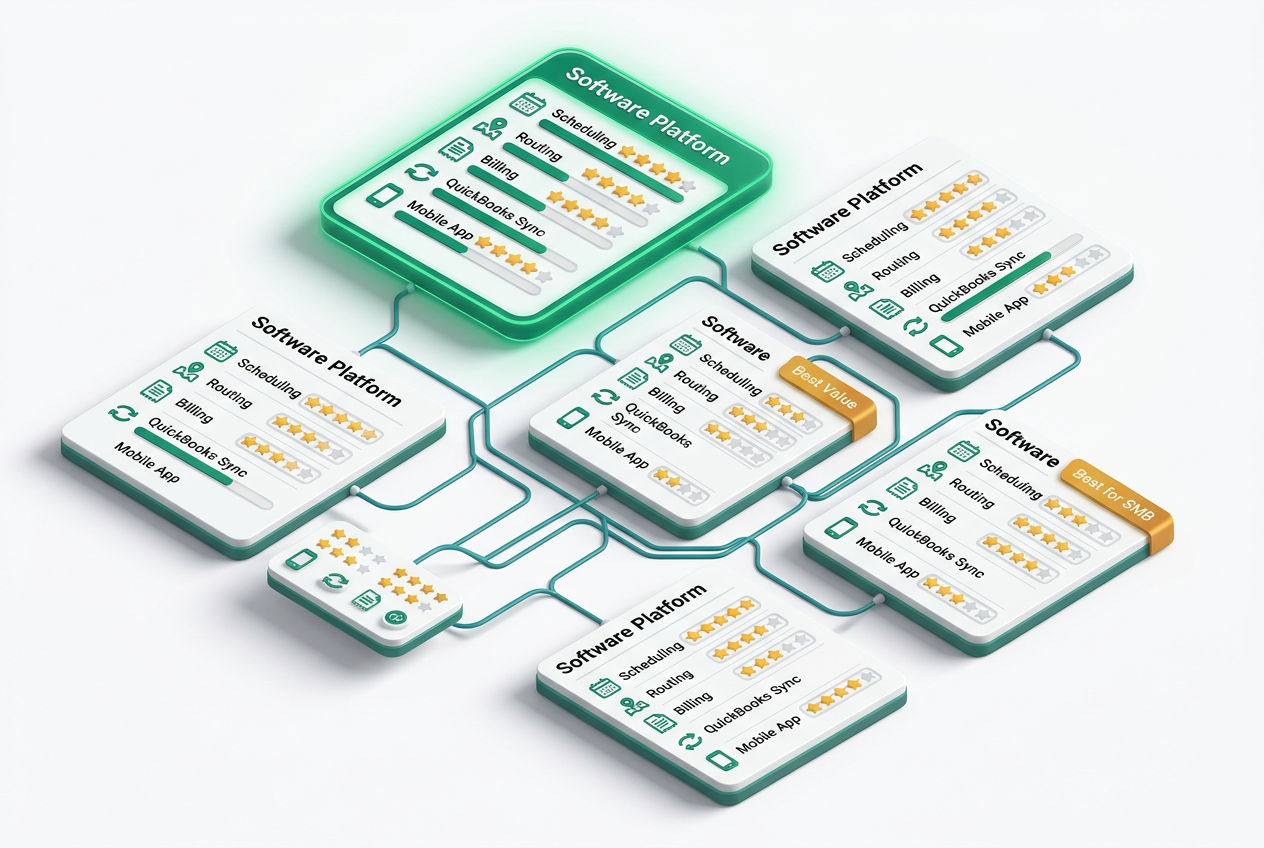
Source: Capterra, G2, and vendor pricing pages as of January 2026. Prices reflect base tiers and may vary by region or contract length.
Is ServiceTitan Good for Septic Businesses?
ServiceTitan is the most powerful field service management platform available, but it's built for scale — and priced accordingly. Entry-level access runs approximately $398/month with a required onboarding fee that often adds $1,000-3,000 upfront. That's a real investment for a 3-truck operation.
Where ServiceTitan earns it: the dispatching board is genuinely excellent. You can see every technician's location in real time via GPS fleet tracking, drag-and-drop jobs onto routes, and push updated work orders directly to your driver's mobile app before they've left the yard. The automated recurring service reminder system is one of the best available — you set the pumping interval (say, every 3 years for a 1,000-gallon tank serving a 4-person household), and the software handles the customer outreach.
The honest limitation: ServiceTitan was built for HVAC and plumbing companies first. Septic-specific workflows — like Massachusetts Title 5 inspection documentation or Florida OSTDS compliance tracking — require customization. You'll need to build those templates yourself, or lean on your onboarding rep. If your operation runs fewer than 5 trucks and under $500K in annual revenue, ServiceTitan's overhead is probably overkill.
For companies at that larger scale, it's worth reviewing your full septic business plan guide before committing to enterprise software costs.
What Is the Best Scheduling Software for Small Septic Companies?
For a 1-5 truck septic operation, Jobber is the clearest recommendation. At $49/month for a single user (scaling to $249/month for up to 30 users on the Connect plan), it delivers scheduling, customer management for septic companies, invoicing, and a clean mobile app without drowning you in features you'll never touch.
Here's a real-world scenario: You run two pump trucks. Monday morning looks like 11 stops across a 40-mile radius. With Jobber's route optimization, the software sequences those stops to minimize backtracking — typically cutting 15-25 miles off a route like that. At $4.50/gallon diesel and a truck burning 8 miles per gallon, that's $8-14 saved per truck per day. Over a 200-workday year, that's $3,200-5,600 back in your pocket from routing alone.
Housecall Pro is the other strong contender in this tier. At $79/month for a single user, it edges out Jobber on the customer-facing experience — the automated text reminders and online booking portal are polished. It also handles septic service invoicing software functions well, with the ability to attach photos from the job site directly to an invoice before you've left the driveway.
Both platforms offer 14-day free trials, which is enough time to run a real week of work through the system before committing.
What Features Should You Look For in Septic Company Software?
Not every field service platform is worth your money. Here's what actually matters for a septic operation.
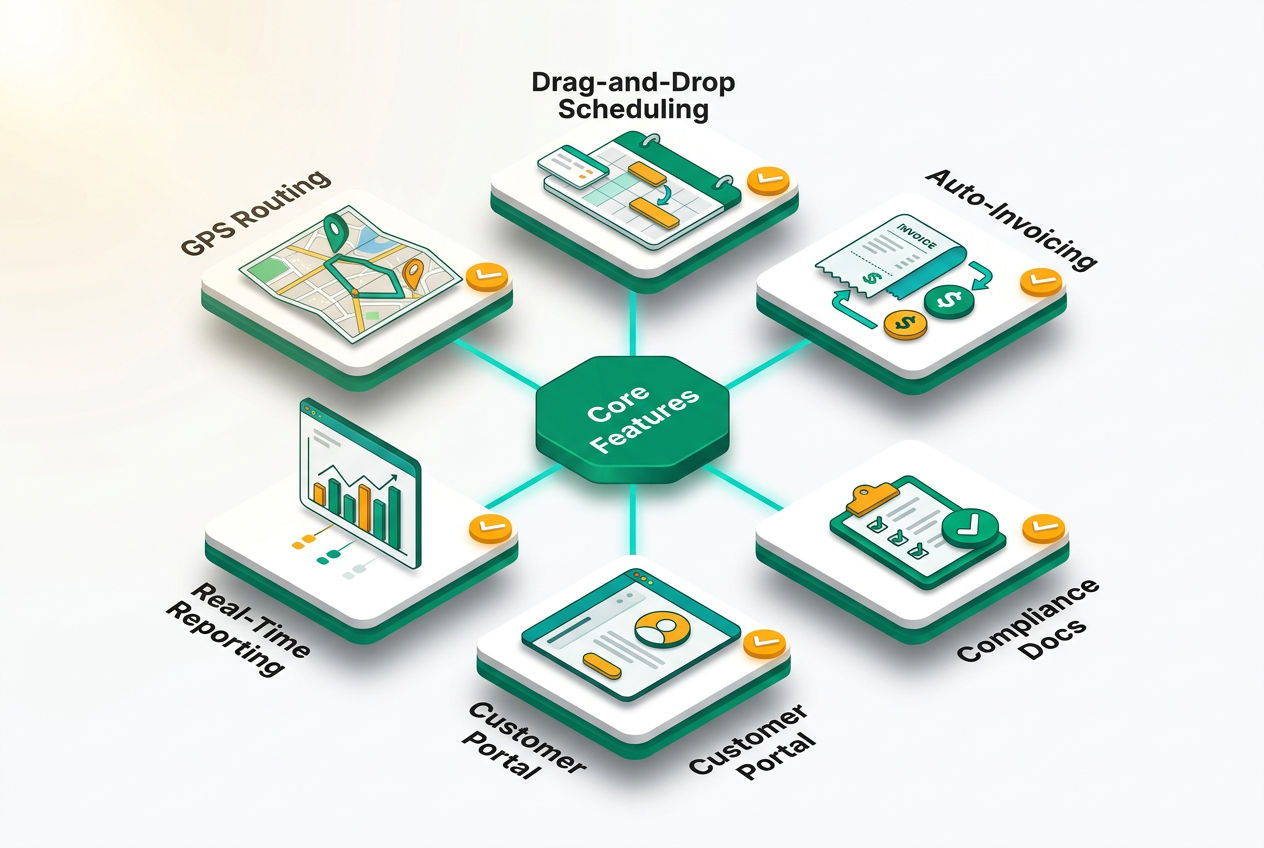
Recurring service reminders. Pumping is cyclical. A 1,500-gallon tank serving a 6-person household needs pumping roughly every 2 years. A 1,000-gallon tank with a garbage disposal might need annual service. Software that auto-generates reminders at custom intervals keeps your trucks full without cold calling. Look for SMS + email outreach, not just email.
Route optimization and GPS fleet tracking. Route sheets printed the night before become outdated the moment a customer calls at 7 a.m. to cancel. Real-time dispatch with drag-and-drop job reassignment is the standard. GPS tracking — so you can see where your driver actually is, not just where they're supposed to be — should be included or available as an add-on.
Work order management. Your technician needs to see the job history, tank size, system type (conventional, aerobic, mound), and any notes about a tricky lid location before they arrive. That's work order management done right. Bonus points for offline mode — cellular coverage in rural areas is unreliable, and your driver shouldn't lose their job queue because they drove into a dead zone.
Compliance documentation. If you operate in Massachusetts, your crew files Title 5 inspection reports with the local Board of Health. Florida requires Onsite Sewage Treatment and Disposal System (OSTDS) documentation. Some platforms offer customizable inspection forms that generate compliant reports automatically. This alone can save 30-45 minutes per inspection job. Check out septic system regulations by state if you're unsure what your documentation requirements look like.
QuickBooks integration. Nearly every septic company already uses QuickBooks for accounting. Software that syncs invoices, payments, and customer records to QuickBooks in real time eliminates double-entry bookkeeping. FieldEdge does this particularly well — their QuickBooks integration is two-way and live, not a nightly batch sync.
Mobile app for field technicians. Your drivers don't work at a desk. The mobile app needs to work on an Android phone with work gloves nearby, in a truck cab, with a weak 4G signal. Check the app store ratings: Jobber (4.7 iOS/Android), Housecall Pro (4.6), FieldEdge (4.4), ServiceTitan (4.3). Those scores reflect how real technicians feel about the interface after daily use.
How Much Does Septic Business Software Cost?

Septic Business Blueprint
Thinking about starting your own septic business?
The complete, plain-English playbook to start (or buy), license and grow a profitable septic business — the models, the money math, trucks, disposal, insurance, pricing and how to land your first customers.
Get the Blueprint — $297 →Instant access · 12-chapter playbook + 6-piece toolkit · 60-day money-back guaranteeSeptic business software costs range from $49/month for a solo operator to $500+/month for enterprise platforms serving 20+ technicians. Most growing companies with 3-8 trucks land in the $150-300/month range.
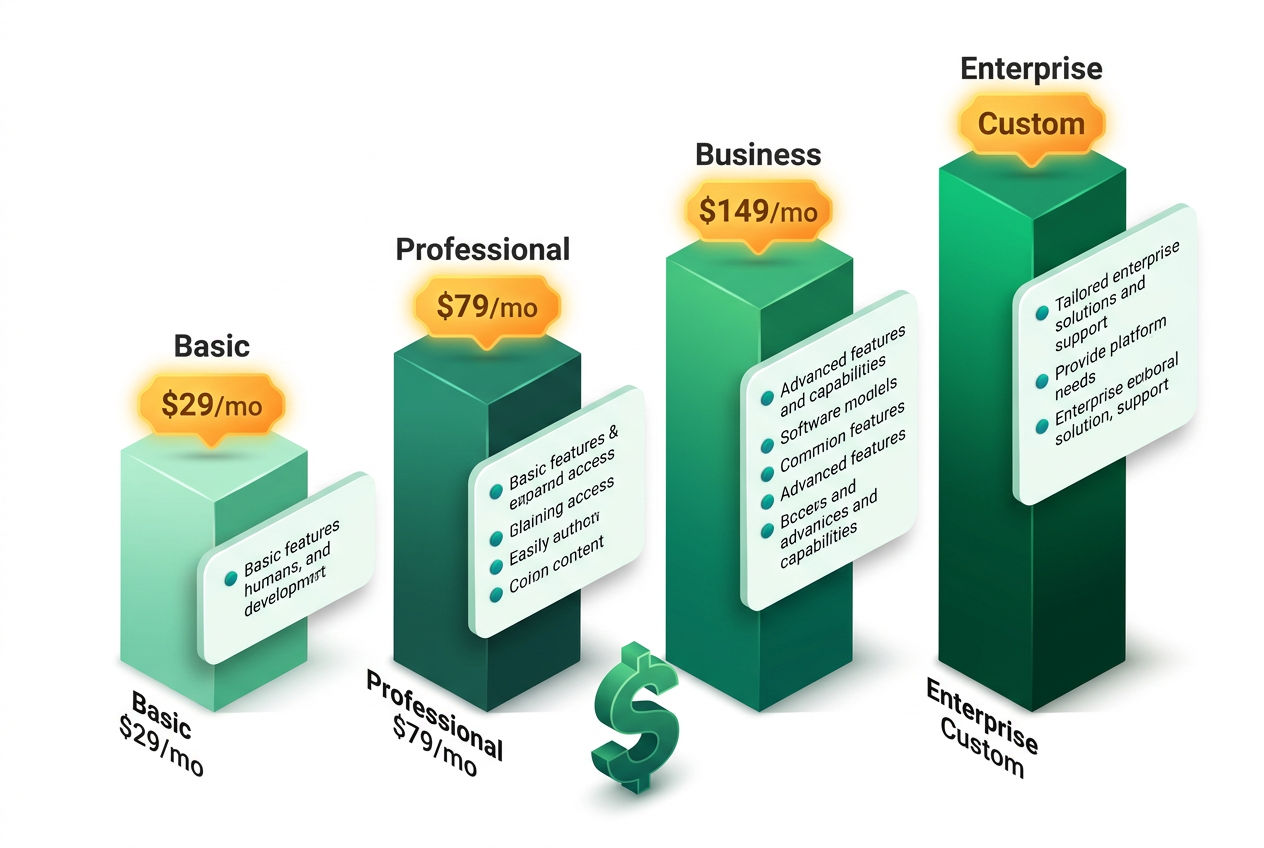
Here's a more detailed breakdown by scenario:
- Solo operator (1 truck, owner-operator): Jobber at $49/month or Housecall Pro at $79/month. No contracts on entry plans. Both cover scheduling, invoicing, and basic customer management.
- Small fleet (2-5 trucks): Housecall Pro's $189/month plan or Service Fusion at $192/month. You get full route optimization, team scheduling, and reporting.
- Mid-size operation (5-15 trucks): Service Fusion at $192-349/month or FieldEdge at approximately $100/user/month. At 8 users, FieldEdge runs ~$800/month — but the live QuickBooks sync and real-time GPS tracking justify it for high-volume dispatchers.
- Enterprise (15+ trucks, multi-location): ServiceTitan at $398+/month. Expect to budget $500-800/month all-in with add-ons.
One frequently overlooked cost: onboarding and data migration. Moving years of customer records, tank sizes, and service history into a new platform takes time. ServiceTitan charges $1,000-3,000 for onboarding. Jobber and Housecall Pro offer self-guided setup with free support.
If you're evaluating software as part of a broader startup budget, our breakdown of septic business startup costs includes software as a line item alongside truck purchases, licensing, and insurance.
Does Septic Software Integrate With QuickBooks?
Every major septic business software platform integrates with QuickBooks — but the quality of that integration varies significantly. "Integration" can mean anything from a live two-way sync to a manual CSV export.
FieldEdge offers the most robust QuickBooks integration: invoices, payments, customer records, and inventory sync in real time, both directions. If a customer pays in the field via credit card on the tech's mobile app, that payment hits QuickBooks within seconds.
ServiceTitan syncs to QuickBooks Online and Desktop, but the sync runs on a schedule rather than instantly. For most companies, that's fine.
Jobber connects to QuickBooks Online only — not Desktop. If you're still running QuickBooks Desktop (common in companies that have been around 10+ years), verify compatibility before signing up.
Housecall Pro integrates with QuickBooks Online with solid reliability. Customer reviews on Capterra rate the integration 4.1/5 — functional, occasionally quirky.
Beyond QuickBooks, look for integrations with Stripe or Square for payment processing, Google Maps for routing, and Zapier if you want to connect the software to tools like Mailchimp or your website's contact form.
Can You Run a Septic Business Without Specialized Software?
Technically, yes. Practically, it becomes a liability above 2 trucks. Here's why.
A septic technician averages 6-10 service calls per day. At 5 trucks, that's 30-50 jobs to coordinate, document, bill, and follow up on — every single day. Manual scheduling on a whiteboard or a shared Google Calendar works until a driver calls in sick, a job runs long, or a customer disputes an invoice because the paper copy is sitting in a wet glove compartment.
The hidden cost of manual scheduling errors in field service is real. Missed appointments, double-booked routes, and lost invoices are estimated to cost field service businesses 2-5% of annual revenue in rework, refunds, and administrative time. On a $400,000 revenue operation, that's $8,000-20,000 per year — enough to pay for field service management software three to five times over.
The argument for going without software really only holds for a solo owner-operator doing 4-5 stops a day and managing a simple customer list. Once you hire a second driver, the coordination overhead justifies the cost.
Septic Inspection Software: Does It Handle Compliance Documentation?
This is where generic field service software shows its limits. Septic inspection software needs to handle structured data collection — tank condition, baffle wall integrity, effluent filter type (Polylok PL-122, Zabel A-1800), scum and sludge layer measurements from a sludge judge, pump chamber float switch status — and output a formatted report that meets state requirements.
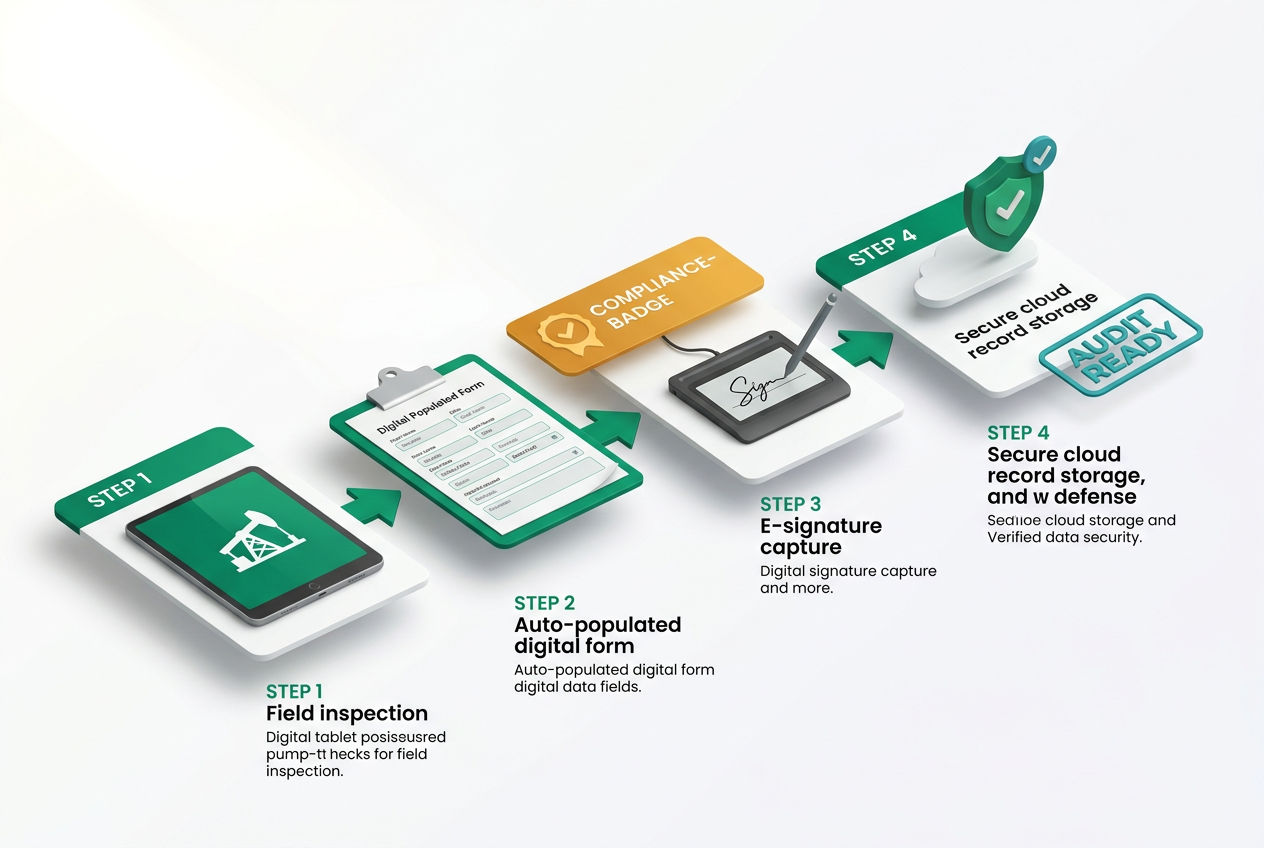
Platforms like PumpMaster and Dispatcher are built specifically for waste haulers and often include state-specific inspection form templates. For Massachusetts Title 5 compliance or Florida OSTDS documentation, these niche tools can save significant time compared to customizing a general platform.
For general scheduling-heavy operations where inspections are a secondary service, Housecall Pro's custom form builder gets the job done — though you'll build the templates yourself.
Operators who want to understand what inspection documentation looks like from the customer side should read our septic inspection process guide.
Seasonal Tip: When Should You Switch Software?
January and February. Seriously.
Most septic businesses hit their lowest call volume in mid-winter — particularly in the Northeast and Midwest where frozen ground limits access to some tank lids. That 6-8 week slow period is exactly when your office manager and drivers have bandwidth to learn a new system, import customer records, and run a few test jobs without impacting a full schedule.
Companies that switch software in May — right as spring pumping season kicks off — almost universally regret it. The learning curve collides with peak demand. Switch in winter, train in January, and hit March ready.
Growing Your Septic Business Beyond Software
Software is infrastructure, not strategy. The best scheduling platform won't fill your truck if you don't have customers finding you. Our full guide on how to run a septic business covers the operational side — from hiring licensed technicians to building service agreements that keep customers on recurring pumping schedules.
If you're actively trying to grow your customer base, septic business tips to grow covers referral programs, local SEO, and the value of listing on directories like SepticTankHub where homeowners are actively searching for septic pumping services in their area.
Understanding your pricing is also essential when building out your invoicing templates. Our septic pumping cost guide gives you regional benchmarks to make sure you're billing competitively.
Sources & Methodology
- EPA Septic Systems Overview — Cited for the 21 million U.S. private septic system figure and general industry context. epa.gov/septic
- Capterra and G2 Software Reviews — Pricing tiers, feature comparisons, and mobile app ratings sourced from verified user reviews as of January 2026.
- NOWRA (National Onsite Wastewater Recycling Association) — Industry adoption and market size data. nowra.org
- Massachusetts Title 5 Regulations (310 CMR 15.000) — Referenced for inspection documentation requirements in the Northeast.
- Florida Department of Health OSTDS Program — Referenced for Florida septic system documentation requirements.
Was this article helpful?
Frequently Asked Questions
Recommended Resources
📖 Related Articles
💰 Cost Guides
🔧 Services
Find Septic Professionals Near You
Compare licensed, verified septic companies by area — top county markets and cities below, or browse all 50 states.
County markets
Popular cities
